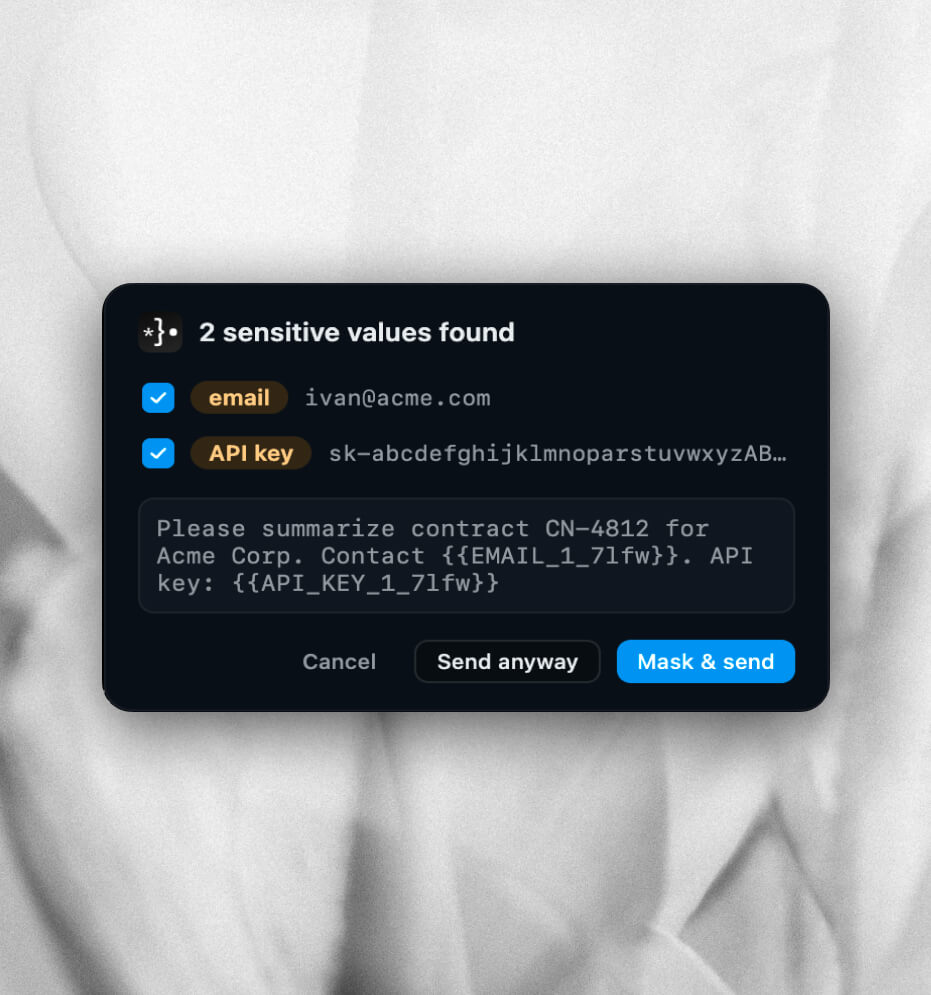
Review
See every sensitive match before send and uncheck any value you want to keep.
- Only checked values are replaced with placeholders.
- Cancel, send anyway, or mask and send.
Catches secrets in your prompts and masks them locally — before ChatGPT, Claude, or Gemini see them.
Works with





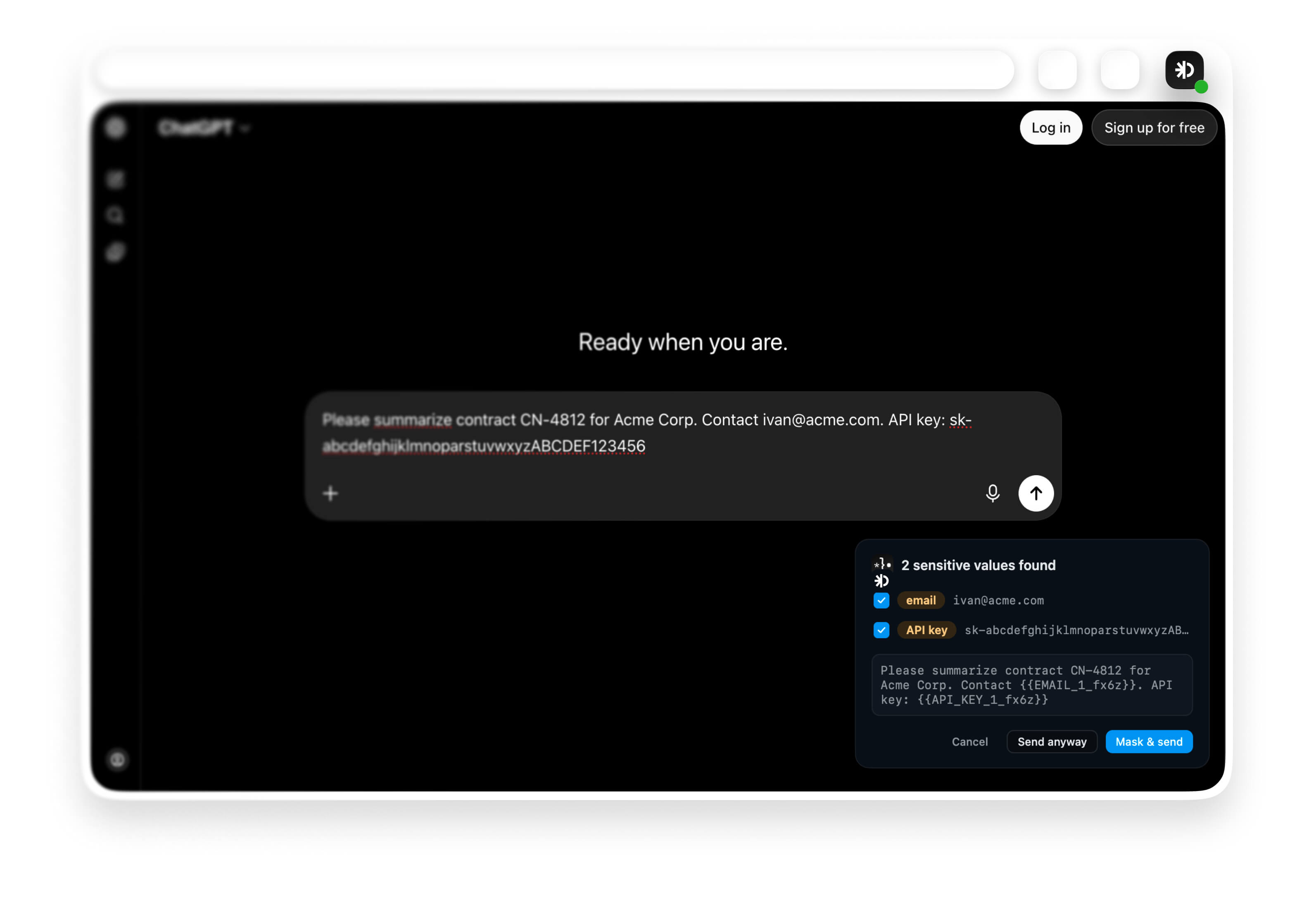
Scan locally as you type. Review matches, mask what you choose, restore when you need.
See every sensitive match before send and uncheck any value you want to keep.
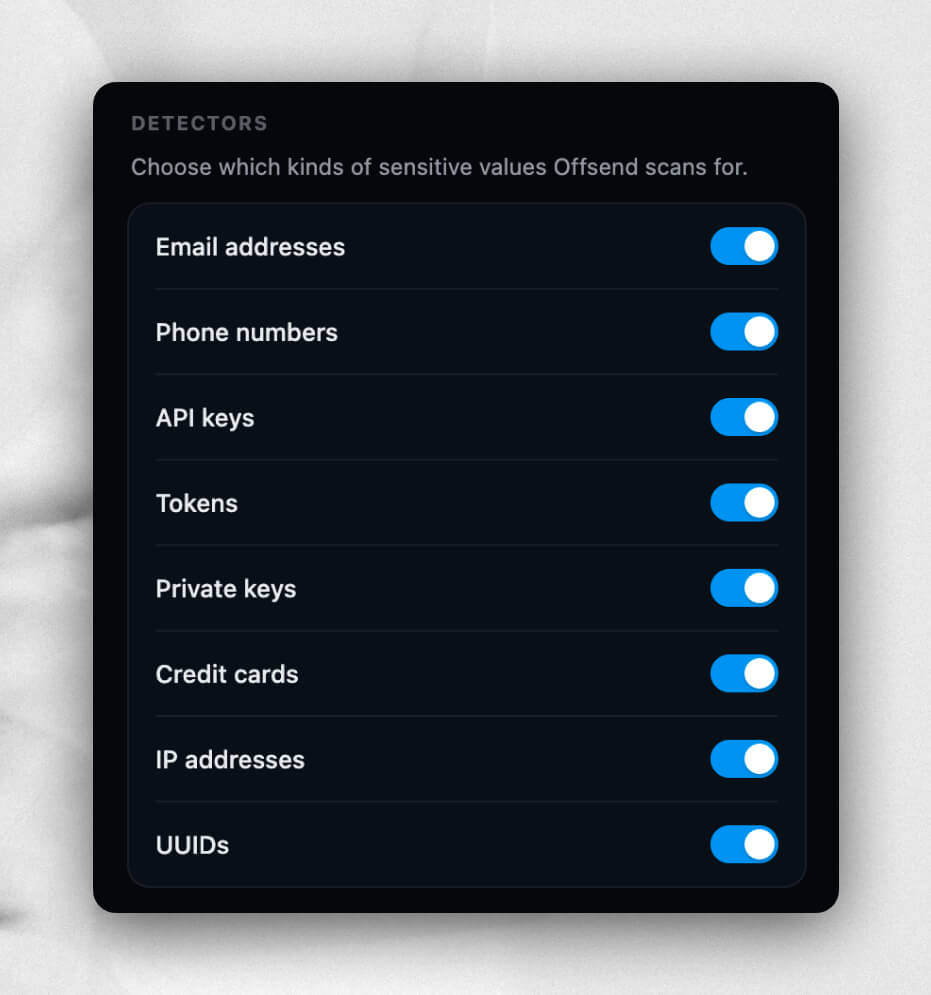
Toggle built-in scanners for the data that most often leaks into AI chats.
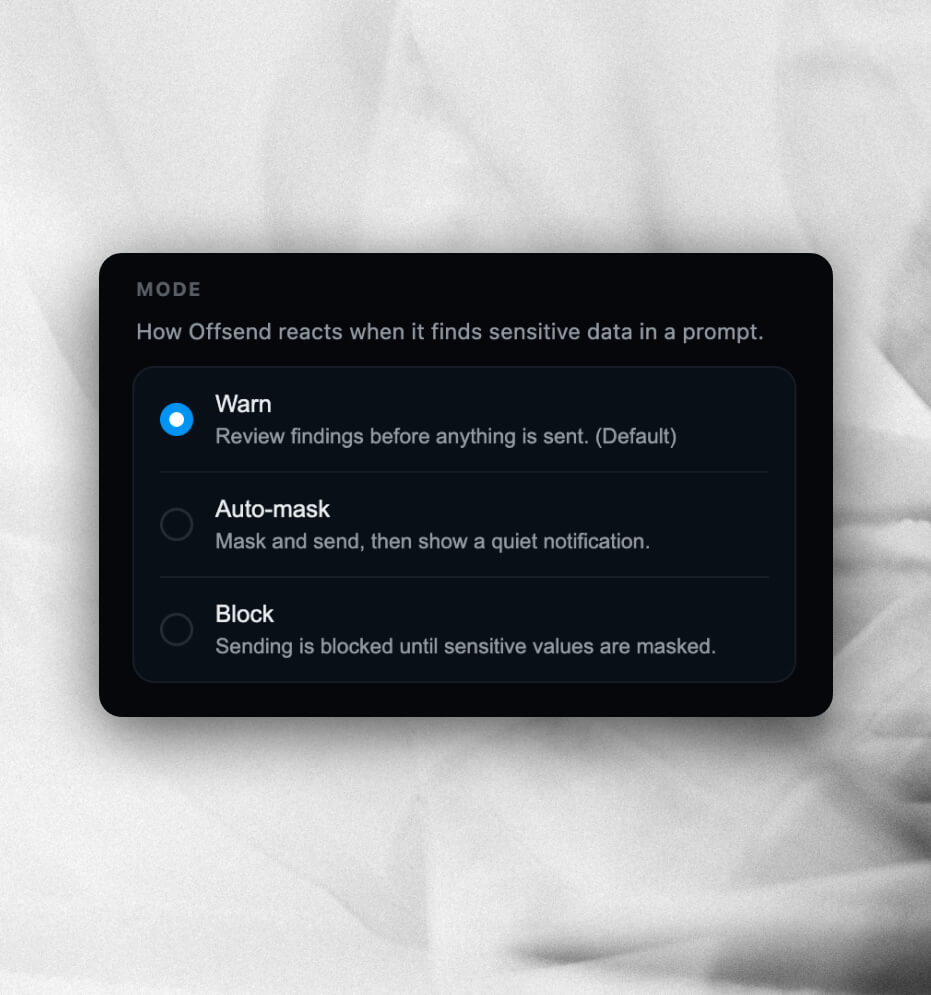
Choose how Offsend reacts when sensitive data appears in a prompt.
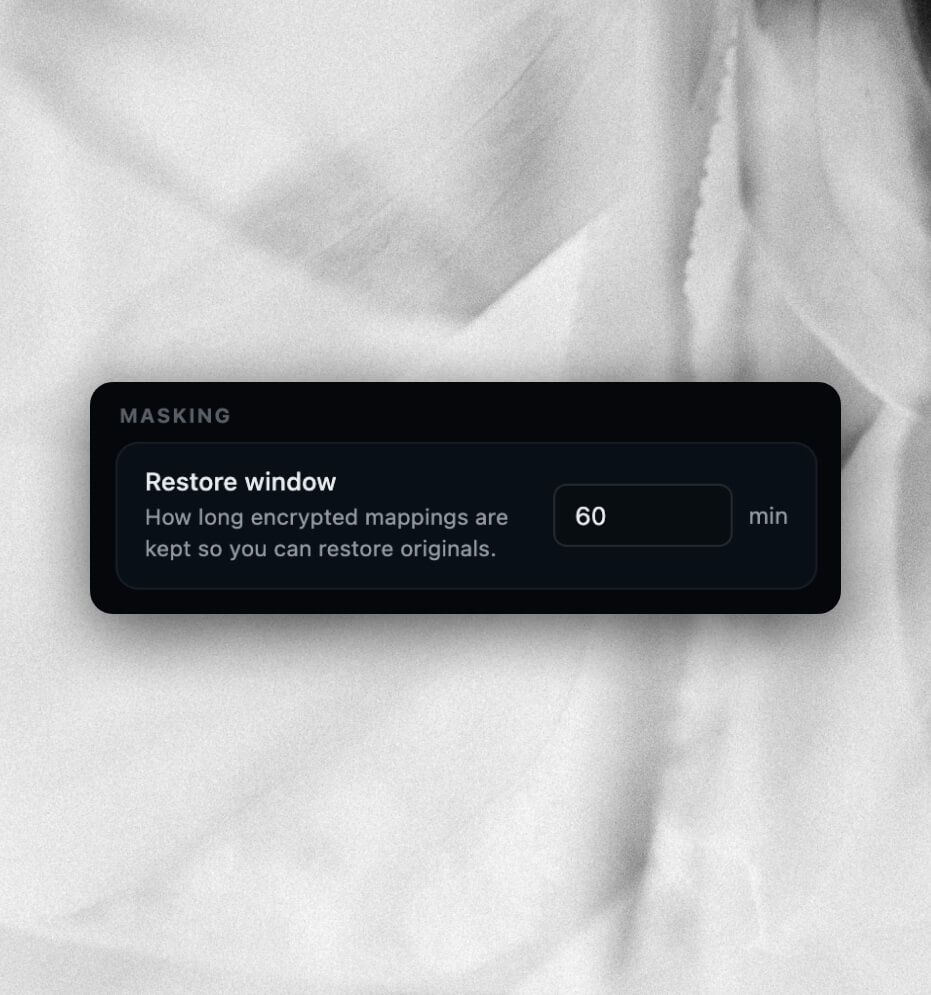
Secrets become placeholders like {{API_KEY_1}} so prompts stay readable.
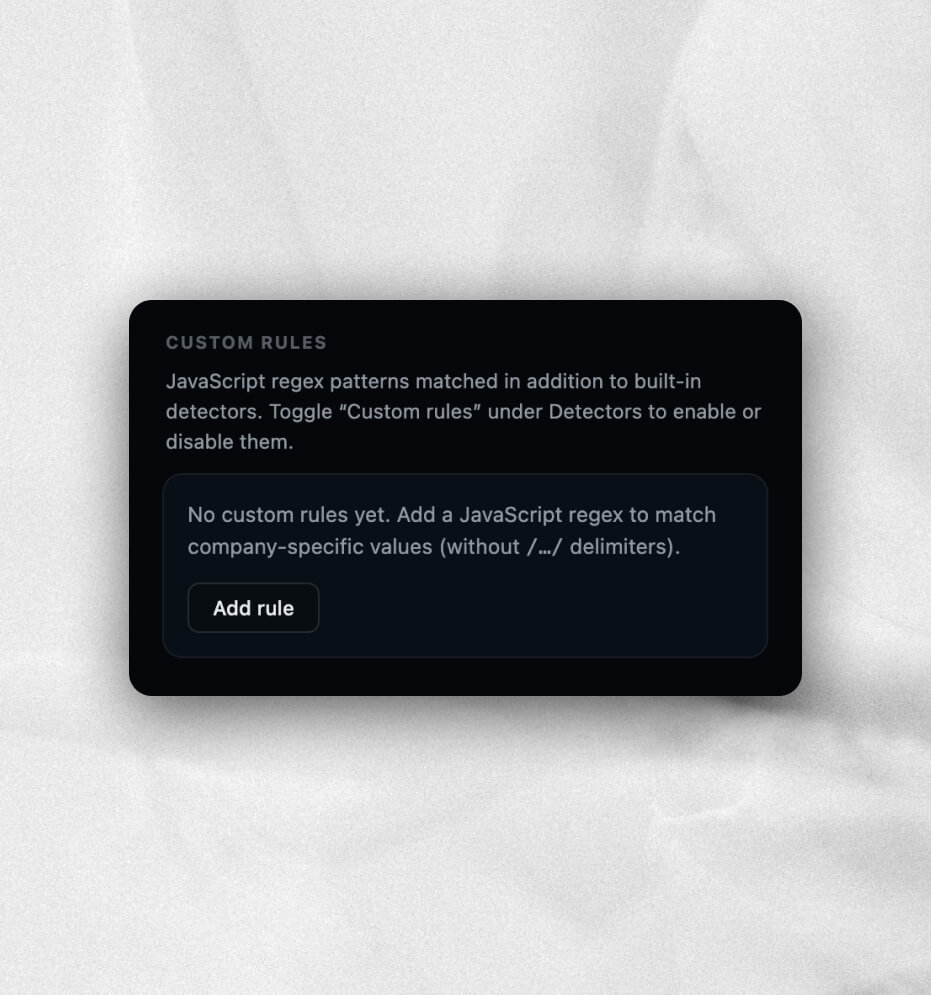
Built-in detectors cover common leaks, but every team has its own formats. Add JavaScript regex patterns that run alongside them — and toggle Custom rules under Detectors when you want them active.
The extension targets major browser AI chats: ChatGPT, Claude, Gemini, Grok, Perplexity, and DeepSeek. It watches prompts and attached files on those surfaces before you send. Repo-side AI context boundaries still belong in .offsend.yml via the CLI, macOS app, or GitHub Action — the extension covers the browser path.
No. Detection, masking, and restore run locally in the browser. Offsend does not upload prompts, file bodies, or matched secrets to Offsend servers. That matches the local-first posture of the CLI and macOS app.
When a detector matches — API keys, tokens, private keys, emails, or similar — the extension can mask the value before send and keep a local restore path so you can recover what you masked when you still need it. Restore is local and time-bounded; treat it as convenience, not a vault.
Use the extension for secrets in browser AI chats. Use Desktop for files, folders, and Safe Paste on macOS. Use the CLI (and GitHub Action) for repository .offsend.yml policy, ignore rules, and runtime gates in coding agents. Same product family, different AI-context paths.
No. The extension does not replace repository policy. Coding agents still read workspace files; .offsend.yml plus CLI hooks remain the boundary for that path. Pair the extension with Check or the CLI when you care about both browser prompts and repo context.
Free. No account.
Mask secrets before they reach ChatGPT, Claude, Gemini, and more.