Files and folders
Scan a file or project folder before you share it with an AI tool.
- Detect emails, keys, IDs, and similar values.
- Mask findings or stop the share.
- Export a safe copy — originals stay untouched.
Prepare folders, files, and clipboard text on your Mac — before ChatGPT, Claude, or Cursor see them.
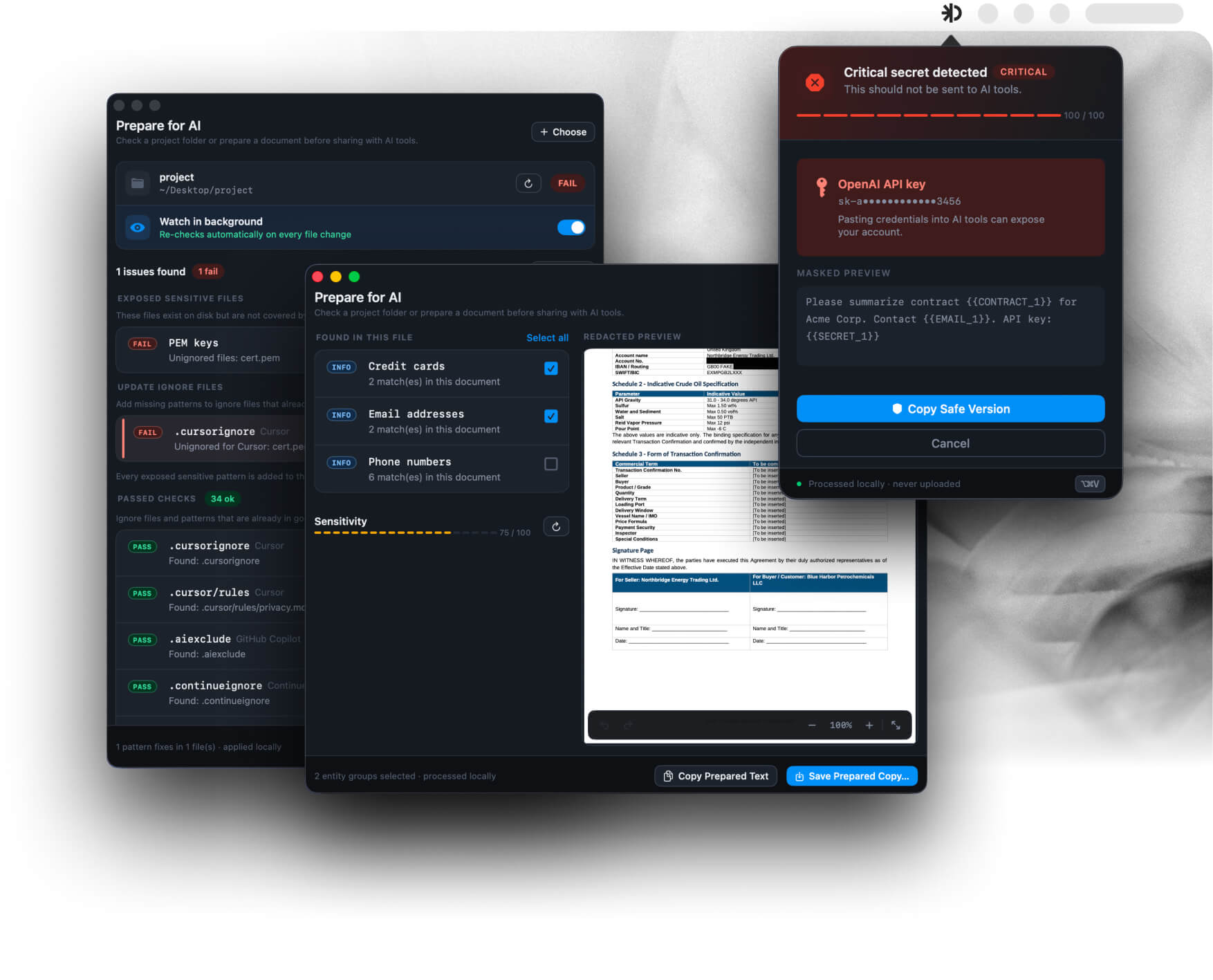
Three everyday checks before text or files reach ChatGPT, Claude, or Gemini.
Scan a file or project folder before you share it with an AI tool.
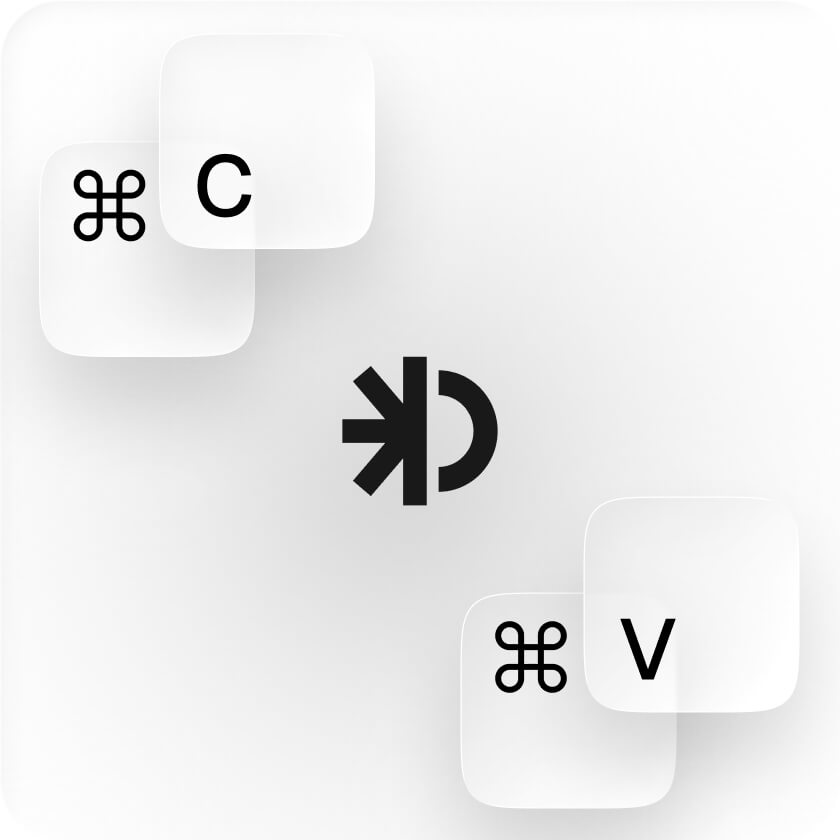
Copy as usual. Paste through Offsend so secrets do not enter the AI prompt.
Pick a folder once. New files are checked automatically before you share them.
Detection, masking, and Restore stay on your Mac. Content is not uploaded for scanning.
File checks, clipboard detection, masking, and Restore all run locally. Nothing is sent to Offsend for scanning.
Prompts, clipboard payloads, file bodies, and detected values are not uploaded. Update checks are the only network call.
Source files are not modified. Offsend prepares a safe copy or masked paste you can share instead.
Placeholder mappings are encrypted on disk. The key lives in macOS Keychain. You control when originals come back.
Install, grant Accessibility and folder access when asked, and start. Free Safe Paste does not require a signup.
The Mac app is signed and notarized by Apple, so Gatekeeper accepts it without workarounds.
Free includes unlimited Safe Paste, detectors, dictionaries, CLI, and one watched folder. Upgrade for unlimited folders and longer Restore timers.
Regular $49/year after launch · upgrade in the Mac app · magic-code activation
Free tier included · cancel anytime · processed by Freemius
Watch every project folder you need — Free watches one at a time.
Keep encrypted placeholder mappings for 6h or 24h — Free keeps them for 1 hour.
Activate with the same email and magic code — no user accounts.
Org billing, shared detector dictionaries, and group settings in the Mac app. Repo team policy already lives in .offsend.yml via the CLI — that is not this block.
The Mac app adds Safe Paste, drag-and-drop file prep, and one-click project audits. The free CLI runs the same checks in the terminal, git hooks, and CI. The app bundles the CLI helper — machine-level Cursor/Claude hooks still come from offsend setup.
No. Everyday paste stays on ⌘V. Safe Paste is ⌘⇧V — opt-in. Both shortcuts are remappable.
No. Detection, masking, and restore run on your Mac. Offsend does not upload prompts, clipboard content, file bodies, or detected values. Update checks are the only network call.
Accessibility so Safe Paste can type into the focused app. Folder access for project audits. Without Accessibility, use Mask & Copy and paste manually.
Free includes unlimited Safe Paste, detectors, dictionaries, CLI, and one watched folder. Pro adds unlimited watched folders, longer Restore TTL, and use on up to 2 Macs. Activate with a magic code — no account.
Local-first. No account. macOS 13+.
Free includes Safe Paste and one watched folder.